This article is over 1 month old.
Represent your server with home servers!
Official launch of invite-only servers and home servers.
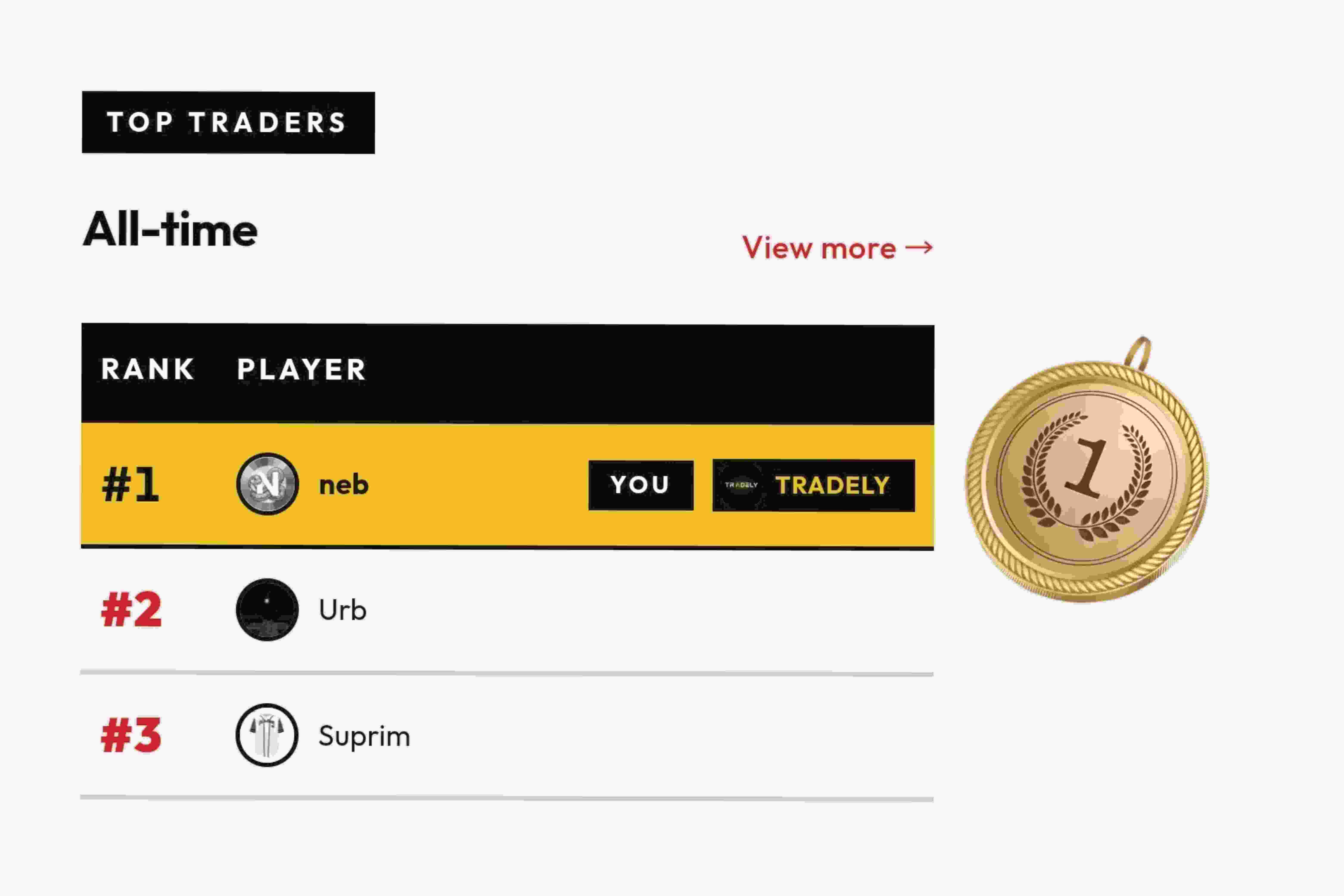
To promote a competitive environment we are announcing the launch of a new feature set:
Home Servers and Invite Only Servers
Home Servers
If you navigate to the "Edit profile" page in Web or the "settings" page in the app and you are logged in with a discord account you can select which server you want to represent from the list of Servers that you and the bot are both in.
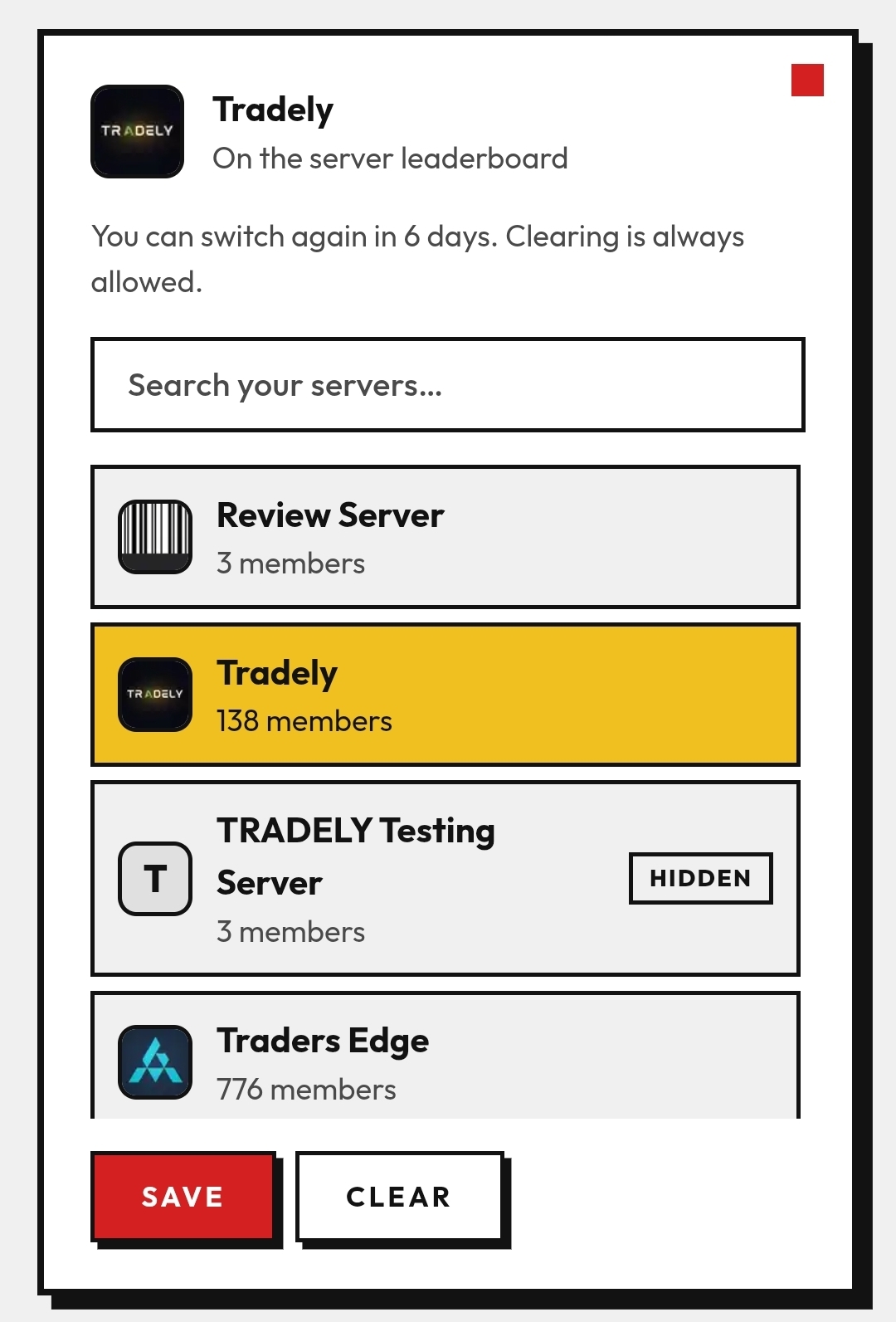
After selecting, the server, if their announcement channel is set, will recieve a notification that you joined them on TradeRange. You can only switch servers once every 7 days.
Once a "home server" is selected your points will be added to their total and the server will be displayed next to your name on the leaderboard.
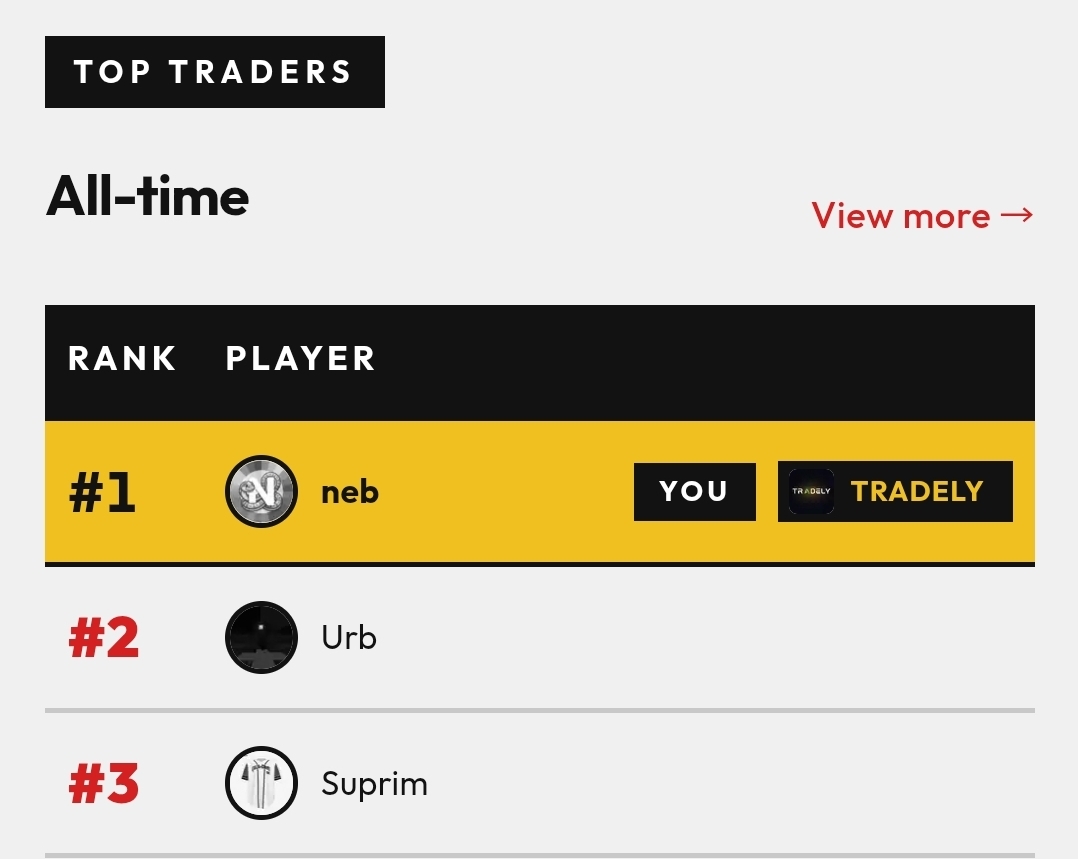
This will also affect the new seperate server leaderboard.
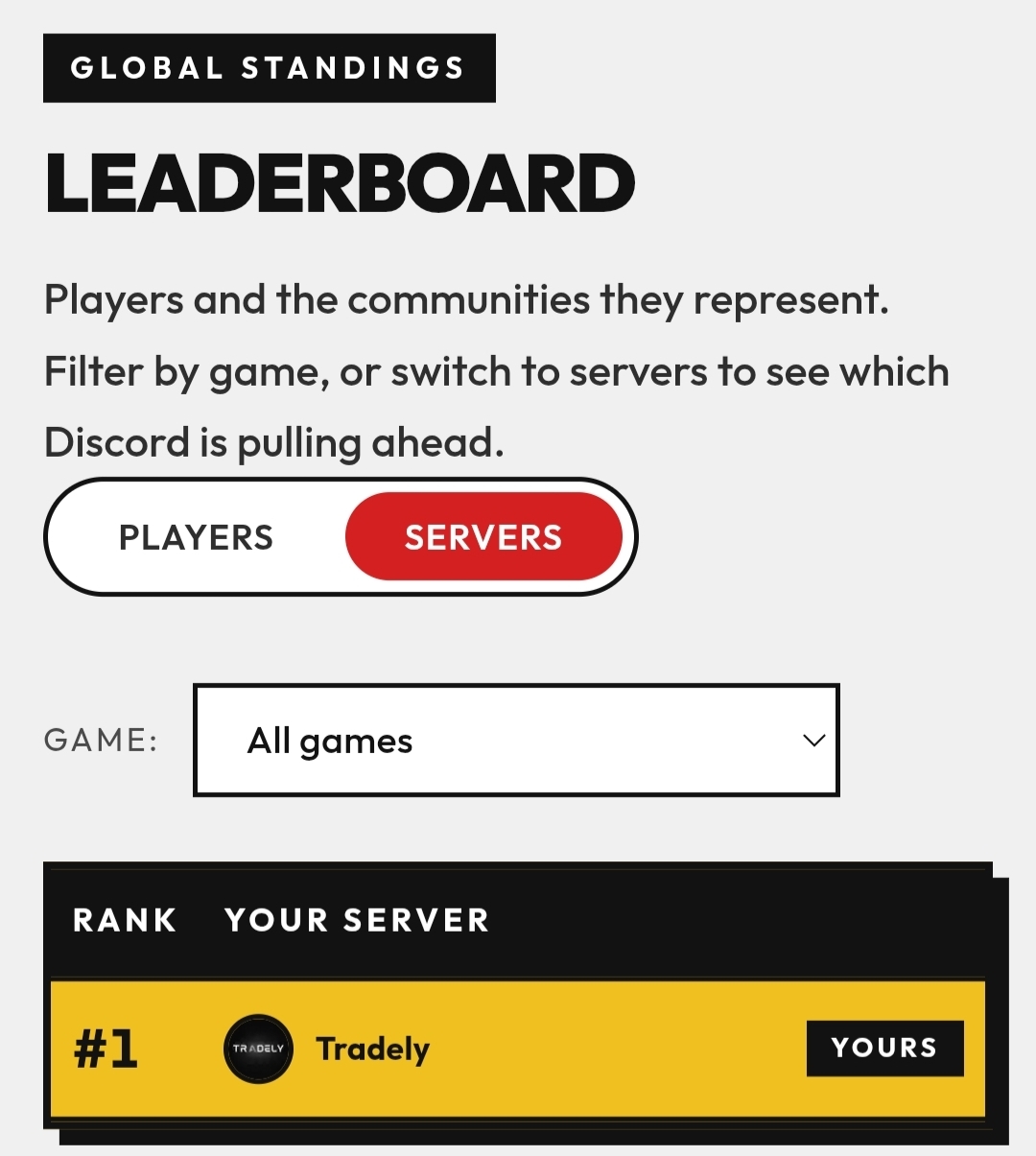
We hope that this will boost community engagement further and give server owners motivation to promote the bot.
Invite Only Servers
To make this feature more usable we wanted to offer a feature where you can list your server without sharing a public Invite. Any user with "Manage Server" permissions can set this in their discord server using
/settings and pressing "Hide Invite".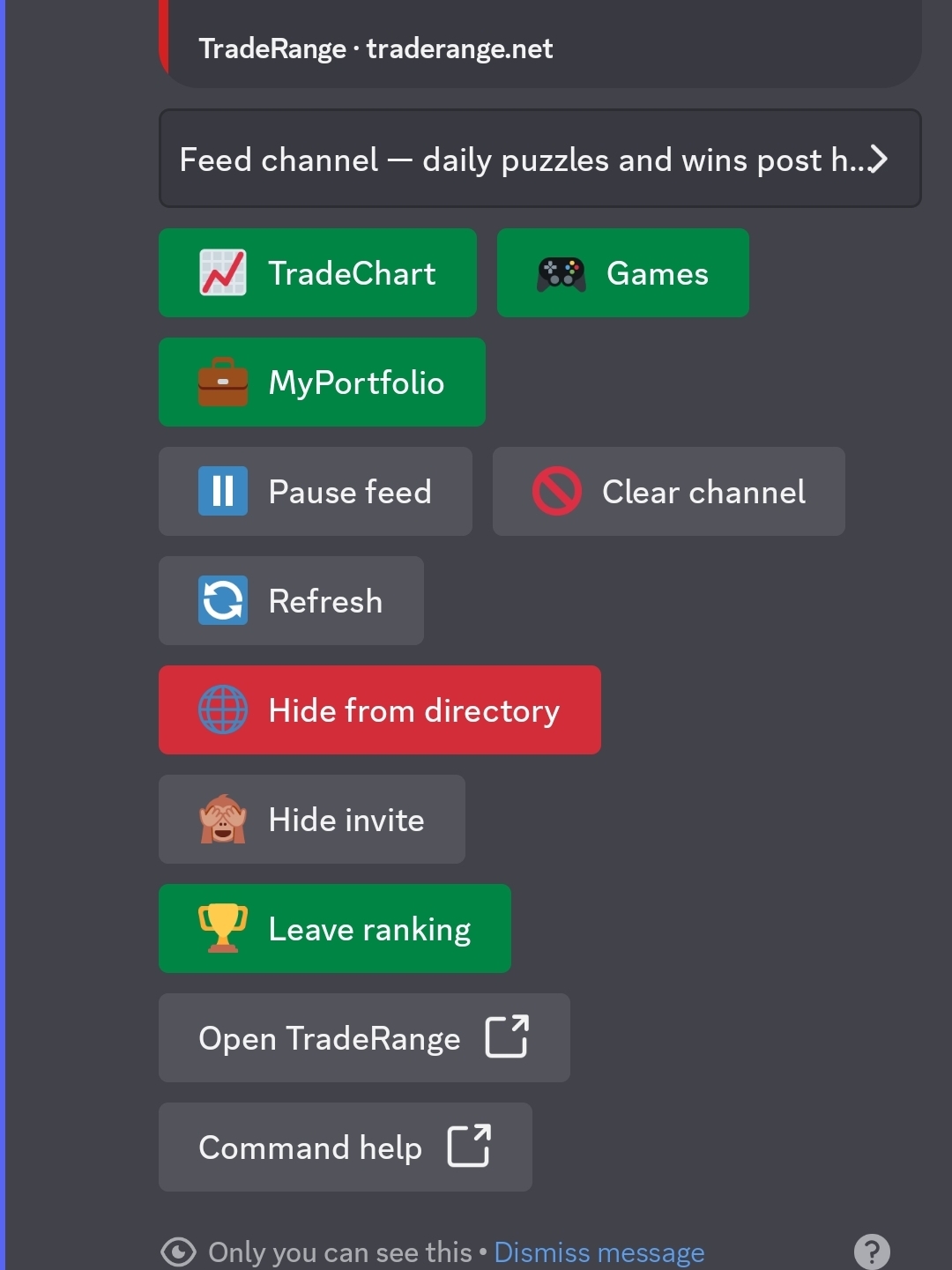
This will stop the public Invite link from being visible, while keeping your server in the ranking. Even hidden and no-invite Servers can be selected as "home servers" by users already in the server.
Conclusion
We hope these features help you make your community more engaged and promote some competition as well as your server itself!